Beautifully Present Your Invitation Liners with Canva
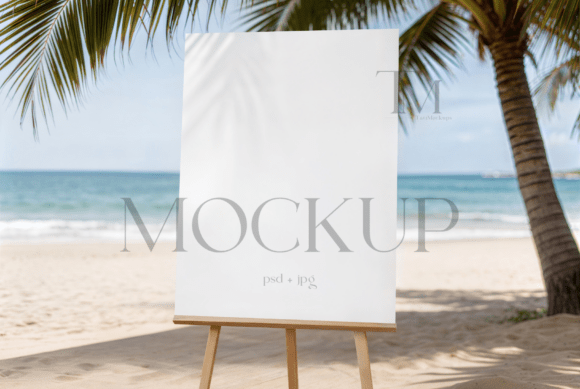
You've poured hours into designing the perfect invitation suite. The colors are precise, the typography is elegant, and the artwork tells a story. But when it's time to showcase your work online, a flat scan or a poorly lit photo just doesn't do it justice. This is where a professional presentation tool transforms the game. A high-quality mockup scene, like a dedicated card liner frame, allows you to place your digital designs into a realistic, styled environment instantly. It bridges the gap between your digital file and a tangible, aspirational product image that truly resonates with potential customers.
More Than Just a Pretty Frame
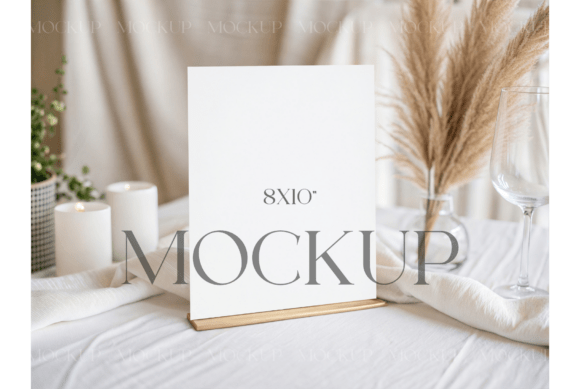
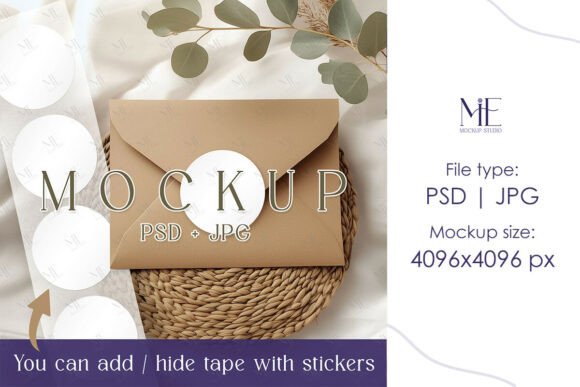
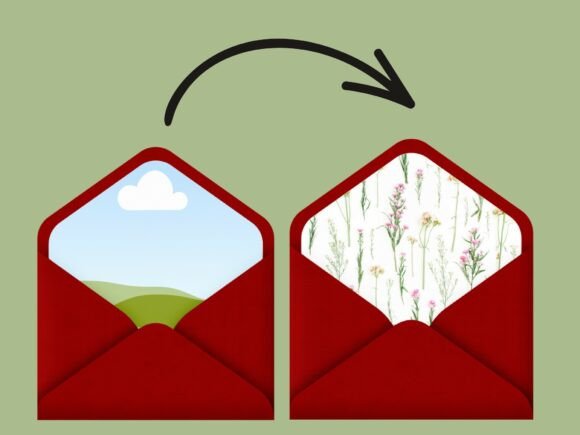
This isn't a complex software package or a static image. Think of it as a dynamic digital canvas. An editable Canva frame mockup is essentially a pre-designed, layered scene within Canva where your artwork is meant to live. The magic lies in its structure. The background, shadows, lighting effects, and surface textures are all professionally crafted and locked in place. Your design exists on a separate, editable layer, often shaped as the exact liner or insert you've created. This separation is key—it means you can change the artwork without disturbing the perfect, photorealistic scene around it. The visual appeal comes from this cohesion: your delicate floral pattern isn't just floating in space; it's nestled inside an envelope, catching the light just so, telling a complete visual story.
Practical Applications for Designers and Entrepreneurs
The true value of a versatile design asset like this lies in its wide range of applications. For a stationer or wedding designer, it's indispensable for creating a cohesive portfolio. You can quickly generate images for your Etsy shop listings, showing how your envelope liner design pairs with the invitation and RSVP card. This builds customer confidence and visual consistency across your brand.
Beyond invitations, the uses expand significantly:
- Social Media & Marketing: Create scroll-stopping Instagram posts, Pinterest pins, and Facebook ads that showcase your printable designs in a lifestyle context. A mockup is far more engaging than a simple product snapshot.
- Website & Blog Graphics: Use styled mockup images for featured blog posts about wedding trends, baby shower planning, or DIY projects. It adds a layer of professionalism to your editorial content.
- Digital Product Previews: If you sell digital files on platforms like Creative Fabrica or your own Shopify store, a mockup is essential. It gives customers a clear idea of what they're purchasing and how it might look when printed.
- Client Presentations: Show clients how their custom design will look in a real-world scenario before finalizing the project. It helps manage expectations and adds a "wow" factor to your proposals.
Elevating Your Brand's Visual Language
Consistency is the cornerstone of brand recognition. When every image you share—from your Instagram feed to your website header—uses a similar style of presentation, you create a recognizable visual language. Using a consistent mockup style, such as this clean and minimal frame, trains your audience to instantly identify your work. It moves your presentations from looking like amateur snapshots to professional, curated content. This professional presentation directly impacts how potential customers perceive the quality and value of your designs. A beautiful mockup can make a $5 digital download feel like a premium, bespoke product.
Getting Started: Simplicity is Key
The process is designed to be intuitive, eliminating the need for advanced software like Photoshop. After accessing your template via a simple PDF link, you're working entirely within Canva—a platform familiar to millions. The core action is a straightforward drag-and-drop. You upload your finished design file (like a PNG or JPG of your liner pattern) into Canva's "Uploads" panel. Then, you simply drag your image onto the designated frame in the mockup scene. Canva's interface allows you to easily adjust the size and placement to ensure your artwork fills the frame perfectly. The scene's lighting and shadows automatically interact with your design, creating a seamless, realistic effect. In just a few clicks, you have a presentation-ready image. This efficiency is a game-changer for small business owners who need to produce high-quality marketing assets quickly without a steep learning curve.
Choosing the Right Visual for Your Project
While this particular mockup is tailored for card liners and inserts, the principle of matching the tool to the project is universal. When selecting any design asset, consider the final audience and platform. A clean, minimal mockup with soft shadows works beautifully for elegant wedding stationery and high-end brand identities. A more textured, rustic scene might be better for artisanal goods or vintage-inspired designs. Always look for mockups that offer high resolution and a style that complements—rather than competes with—your artwork. The goal is for your design to be the hero of the image, with the mockup providing context and professionalism.
Ultimately, leveraging a dedicated Canva frame mockup is about working smarter. It empowers you to create stunning, professional imagery that captures attention, builds trust, and effectively communicates the quality of your creative work across every platform where you choose to showcase it.